

وەسف
Tabs Block is a simple plugin that adds a Gutenberg block for adding Tabs content to your posts and pages. Fully responsive and accessible.
سکرین شۆتەکان
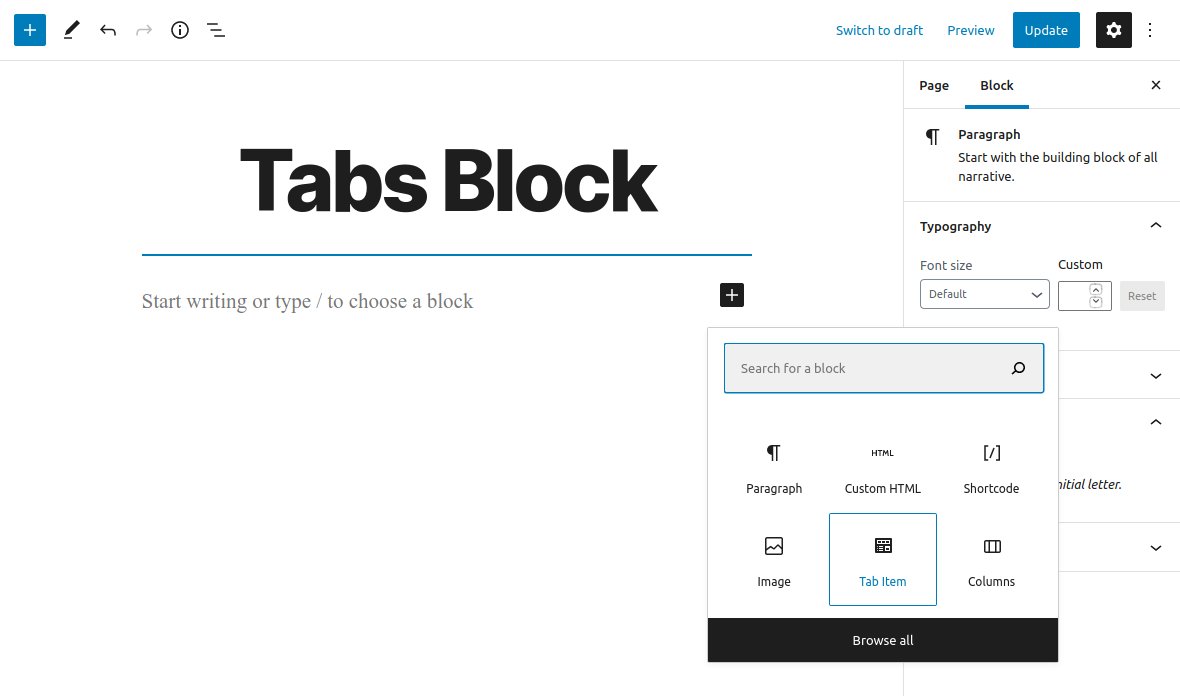
Add new ‘Tab Item’ Block
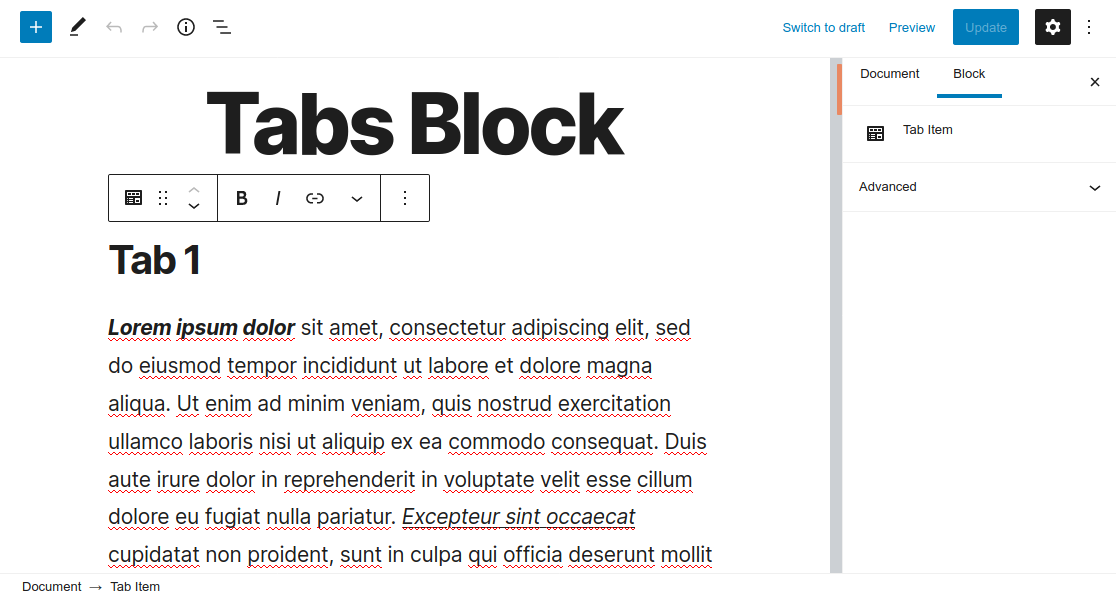
‘Tab Item’ Block

Tab Block
بڵۆکەکان
ئەم پێوەکراوە 1 بڵۆک دابین دەکات.
- Tab Item
دامەزراندن
This section describes how to install the plugin and get it working.
- Upload the
tabs-blockfolder to the to the/wp-content/plugins/directory - Activate the plugin through the ‘Plugins’ menu in WordPress
- Open for Edit or add new Post or Page
- Click on ‘+’ button to add new Block
- Insert ‘Tab Item’ blocks
- Save changes
Please Note: All of the ‘Tab Item’ blocks will be displayed as a Tab
پێداچوونەوەکان

نیسان 9, 2022
None of the links on the developer website are active. So communication is not available.

شوبات 1, 2022
Basically an important block, but useless because, you can only put in text blocks.

کانوونی یەکەم 13, 2021
It works great but only if you only use of set of Tabs in one page. If you wont 2 or more, it puts new tabs on first set.

نیسان 28, 2021
It does what it says in a very unobtrusive manner.
Very useful block.
Thanks
بەشداربووان و گەشەپێدەران
“Tabs Block” نەرمەواڵەیەکی سەرچاوە کراوەیە. ئەم کەسانەی خوارەوە بەشدارییان تێدا کردووە.
بەشداربووان
“Tabs Block” وەرگێڕدراوە بۆ 5 زمان. سوپاسی وەرگێڕەکان دەکەین بۆ بەشداریکردنیان.
“Tabs Block” وەربگێڕە بۆ زمانەکەی خۆت.
دەتەوێت بەشداربیت لە گەشەپێدان؟
گەڕان لە کۆدەکەدا بکە، سەیری تەمارگەی (SVN) بکە، یان بەشداربە لە ڕووداوتۆماری گەشەپێدان لە ڕێگەی (RSS).
ڕووداوتۆمارگەریی گۆڕین
1.0.0 (November 16, 2020)
- Plugin released