

وەسف
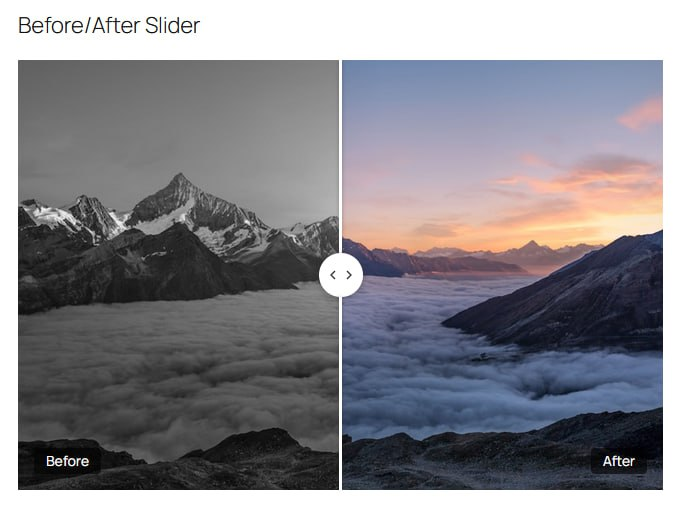
Sleek Compare is a lightweight before/after image comparison slider for WordPress. Built with performance in mind — no jQuery, no FontAwesome, no bloat.
Key Features
- Ultra-lightweight: Under 10KB total (JS + CSS combined)
- Zero external dependencies: No jQuery or icon libraries required
- Touch-friendly: Full swipe support for mobile devices
- Keyboard accessible: Arrow keys, Shift+Arrow for 10% jumps, Home/End
- Simple shortcode: Works in classic editor, widgets, and page builders
- Lazy loading: Images and slider initialization deferred until visible
- CSS variables: Easy theming without touching code
- No render-blocking resources: Scripts and styles load conditionally
Pro Version
Want Gutenberg block and Elementor widget support? Check out Sleek Compare Pro for:
- Native Gutenberg block with live preview
- Full Elementor widget with style controls
- Custom handle colors
- Priority email support
- Lifetime updates
Usage
Shortcode
Basic usage:
[sleek_compare before=”https://example.com/before.jpg” after=”https://example.com/after.jpg”]
With all options:
[sleek_compare
before=”https://example.com/before.jpg”
after=”https://example.com/after.jpg”
start=”30″
label_before=”Original”
label_after=”Enhanced”
show_labels=”true”
]
Shortcode Attributes
before– URL of the before image (required)after– URL of the after image (required)start– Starting position 0-100 (default: 50)label_before– Before label text (default: “Before”)label_after– After label text (default: “After”)show_labels– Show labels true/false (default: true)
سکرین شۆتەکان
دامەزراندن
- Upload the
sleek-comparefolder to/wp-content/plugins/ - Activate the plugin through the ‘Plugins’ menu in WordPress
- Use the shortcode to add sliders to your pages
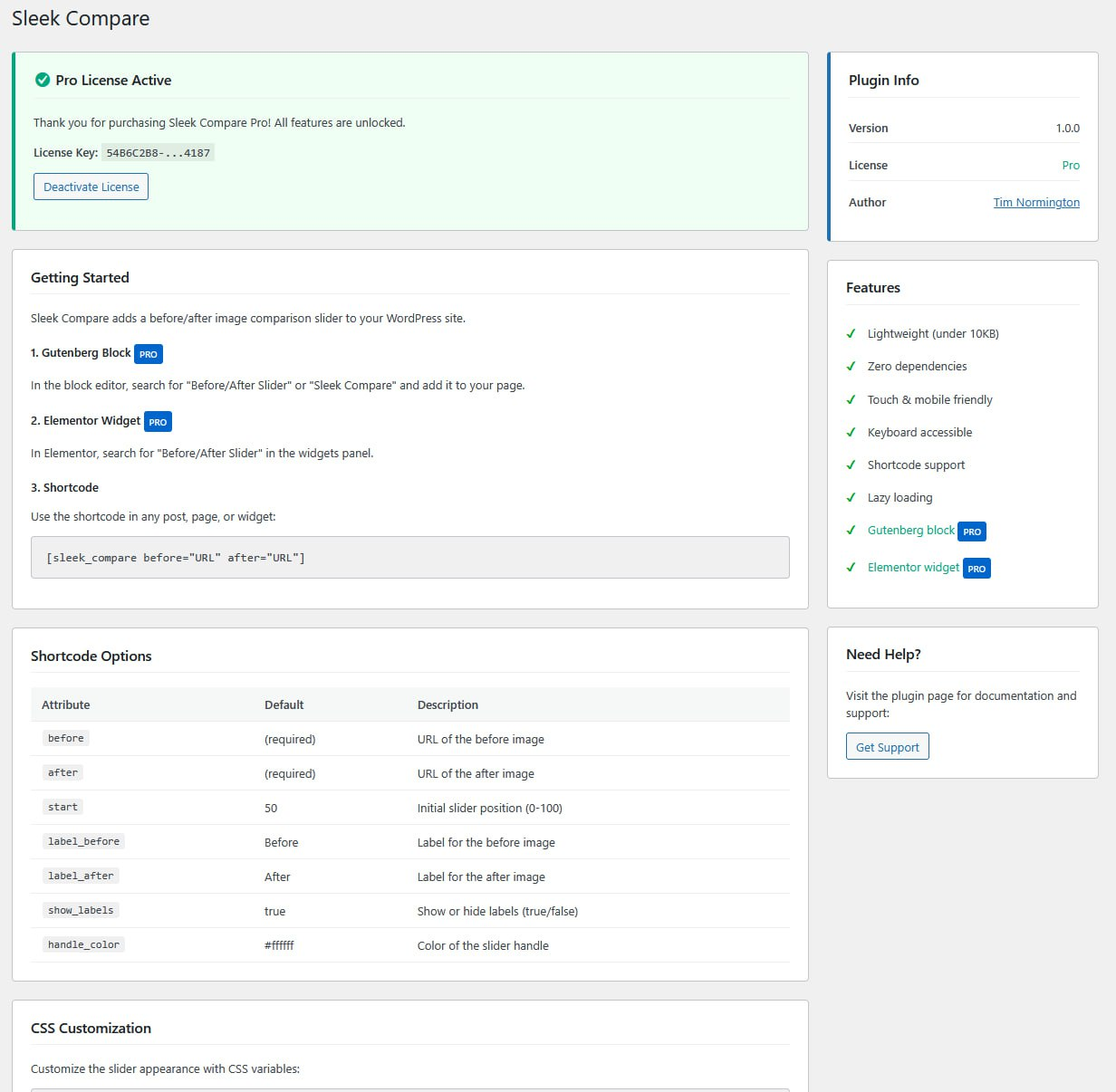
- Visit Settings > Sleek Compare for usage instructions
پهد
-
Does this work with page builders?
-
Yes, use the shortcode in any page builder that supports shortcodes.
-
Is it mobile friendly?
-
Absolutely. Full touch/swipe support with optimized touch targets.
-
Is it accessible?
-
Yes. Full keyboard navigation and screen reader support.
-
How do I get Gutenberg block or Elementor widget support?
-
The Pro version includes these features. Visit products.tnormington.com/sleek-compare to upgrade.
پێداچوونەوەکان


بەشداربووان و گەشەپێدەران
“Sleek Compare” نەرمەواڵەیەکی سەرچاوە کراوەیە. ئەم کەسانەی خوارەوە بەشدارییان تێدا کردووە.
بەشداربووان
“Sleek Compare” وەربگێڕە بۆ زمانەکەی خۆت.
دەتەوێت بەشداربیت لە گەشەپێدان؟
گەڕان لە کۆدەکەدا بکە، سەیری تەمارگەی (SVN) بکە، یان بەشداربە لە ڕووداوتۆماری گەشەپێدان لە ڕێگەی (RSS).
ڕووداوتۆمارگەریی گۆڕین
1.0.1
- Added upgrade banner with Pro feature highlights and step-by-step upgrade instructions
- Added FAQ entry for upgrading from Lite to Pro
1.0.0
- Initial release