

وەسف
Keeal for WooCommerce adds Keeal Payment so customers pay on Keeal’s secure page, then return to your site while paid orders move to Processing automatically.
Why store owners like it
- Broad payment options — cards, Apple Pay, Google Pay, PayPal, and more (depends on your Keeal account and region).
- Less sensitive data on your site — customers enter payment details on Keeal; you are not storing card numbers in WordPress.
- Straightforward setup — turn on the gateway, add your Keeal credentials, paste the webhook URL into Keeal, and you are ready to test checkout.
How it works
- At checkout, your store asks Keeal to start a payment for the order.
- The customer completes payment on Keeal.
- Keeal tells your store when payment is done; the order updates without you manually marking it paid.
External services
This plugin relies on Keeal (hosted checkout and merchant services) so customers can pay on Keeal and your store can see payment results.
What it is used for
- Starting a payment for a WooCommerce order and sending the shopper to Keeal to finish checkout.
- Optional connection check from WooCommerce Keeal so you can confirm your store can reach Keeal with your saved API key.
What may be sent to Keeal
When a customer checks out, your server sends HTTPS requests to Keeal with what is needed to collect payment—for example order reference, amounts, what is being purchased, currency, billing email, and URLs to return after pay or cancel. Your API key is included so Keeal knows the request is from your store. If you run the optional connection check, a small test request is sent the same way (no full order payload for that test).
What comes back to your site
Keeal sends webhooks (notifications) to your WordPress site so order status can update when a payment completes or fails. Card details are handled on Keeal’s side; this plugin does not collect or store card data in WordPress.
Legal links (Keeal)
سکرین شۆتەکان
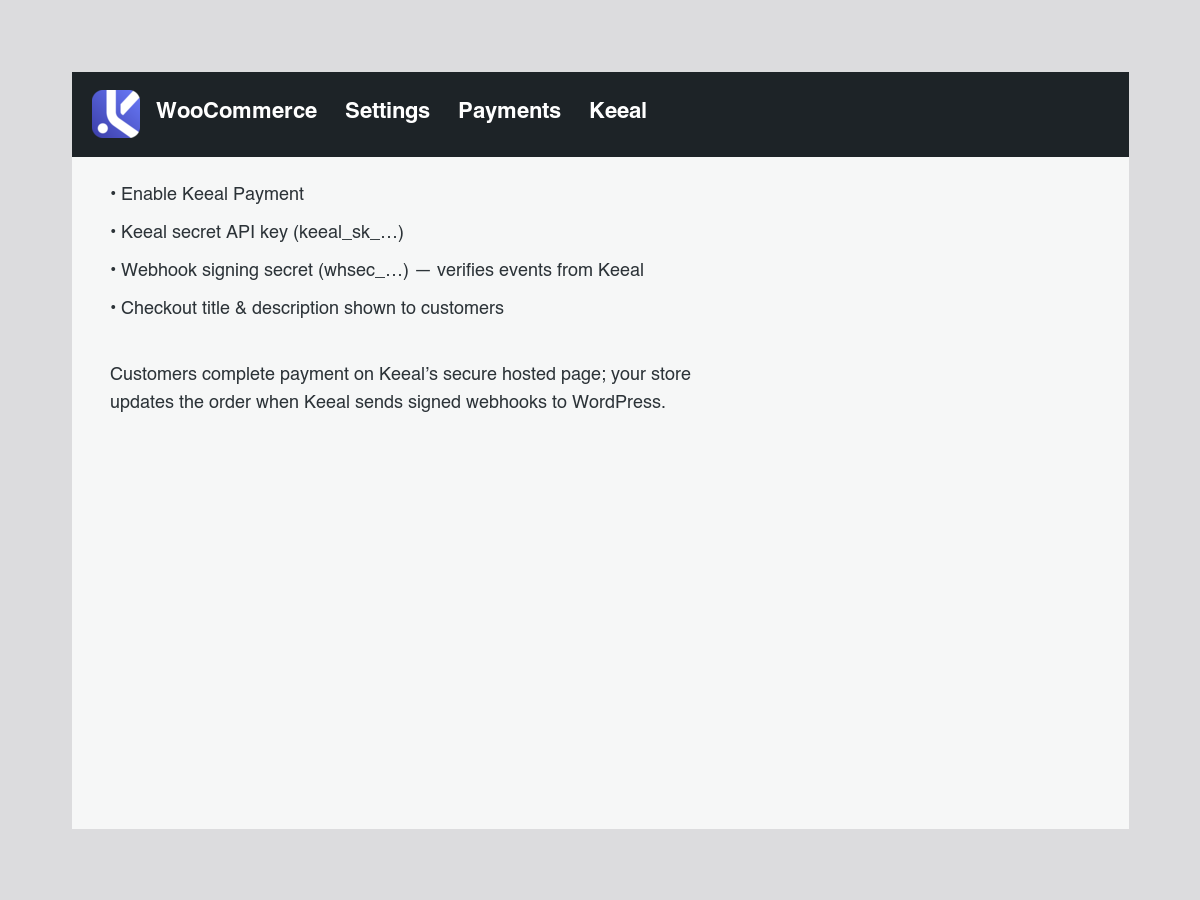
Payment settings — Enable Keeal, set your secret API key, webhook signing secret, and the text shoppers see at checkout. 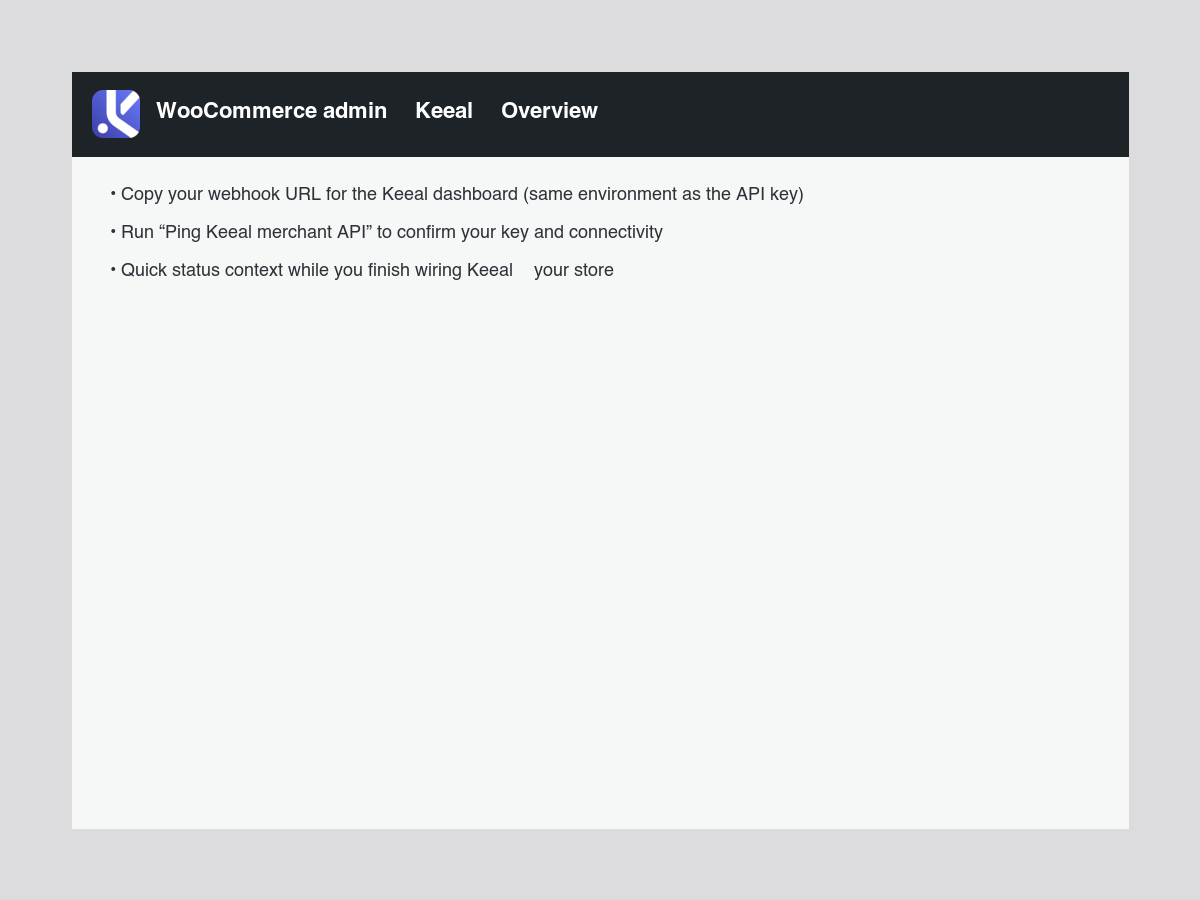
Keeal overview — Copy the webhook URL for the Keeal dashboard and run a quick API connectivity check. 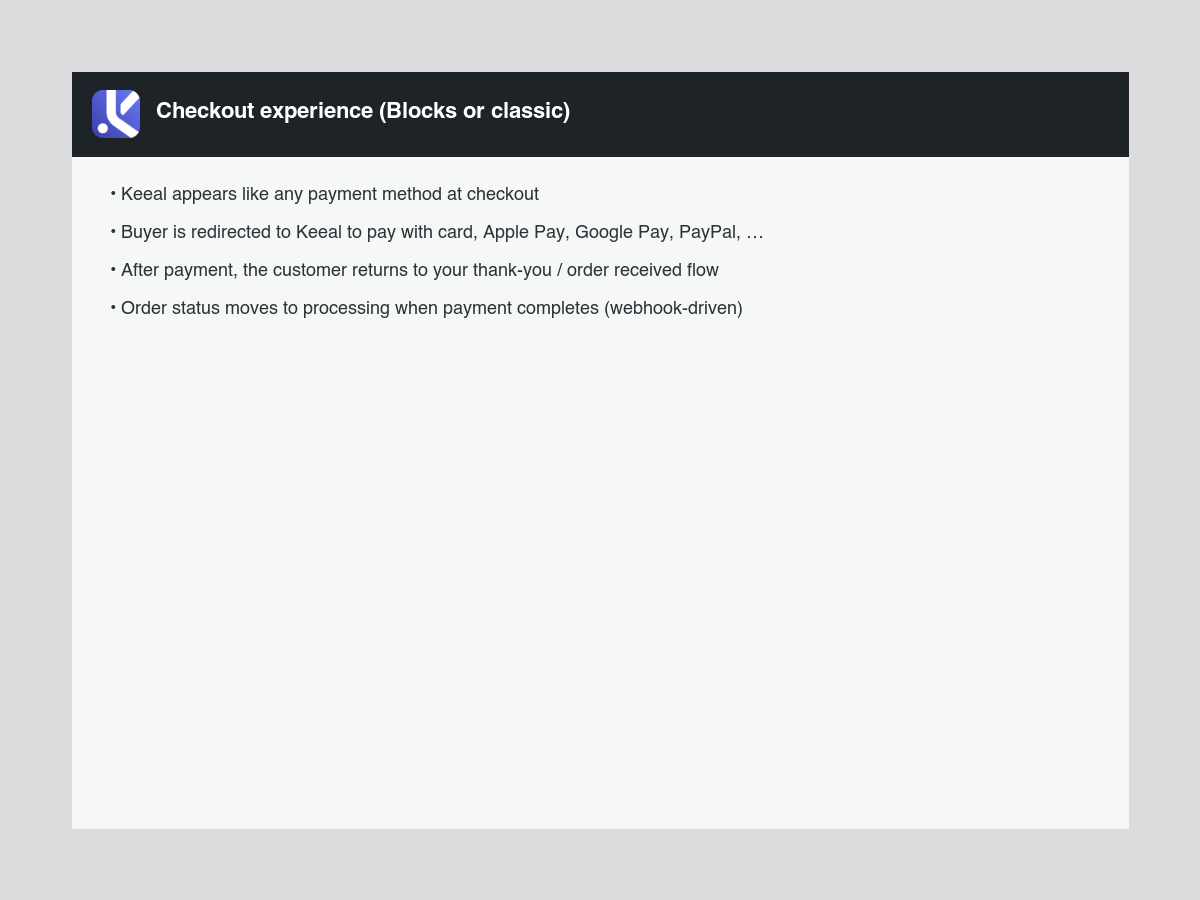
Checkout flow — Keeal appears as a payment method; buyers complete payment on Keeal, then return to your store while webhooks update order status.
دامەزراندن
From WordPress.org (recommended)
- In wp-admin go to Plugins Add New, search Keeal for WooCommerce, install, and activate.
- Ensure WooCommerce is installed and active.
- Go to WooCommerce Settings Payments Keeal (Keeal Payment), enable the gateway, and enter your Keeal secret API key and (recommended) webhook signing secret.
- Open WooCommerce Keeal Overview to copy the webhook URL and use Ping Keeal merchant API to verify connectivity.
- In the Keeal dashboard (API key Webhook), paste the same webhook URL for the environment that matches your API key.
Manual zip upload
- Upload the plugin zip under Plugins Add New Upload Plugin, then activate.
- Follow steps 2–5 above.
پهد
-
Does this support WooCommerce Cart & Checkout Blocks?
-
Yes, on WooCommerce versions that support it. Classic checkout is fine too.
-
Where do I find the webhook URL?
-
WooCommerce Keeal Overview (copy field), or WooCommerce Settings Payments Keeal under Webhook endpoint. Example:
https://yoursite.com/wp-json/keeal-wc/v1/webhook. -
What data is sent to Keeal?
-
Information needed to take a payment for the order (for example amounts, what is being purchased, currency, and billing email) is sent to Keeal over HTTPS when checkout runs. Add anything your jurisdiction requires to your privacy policy.
پێداچوونەوەکان
هیچ پێداچوونەوەیەک نەنووسراوە بۆ ئەم پێوەکراوە.
بەشداربووان و گەشەپێدەران
“Keeal for WooCommerce” نەرمەواڵەیەکی سەرچاوە کراوەیە. ئەم کەسانەی خوارەوە بەشدارییان تێدا کردووە.
بەشداربووان
“Keeal for WooCommerce” وەربگێڕە بۆ زمانەکەی خۆت.
دەتەوێت بەشداربیت لە گەشەپێدان؟
گەڕان لە کۆدەکەدا بکە، سەیری تەمارگەی (SVN) بکە، یان بەشداربە لە ڕووداوتۆماری گەشەپێدان لە ڕێگەی (RSS).
ڕووداوتۆمارگەریی گۆڕین
1.0.7
- Readme: remove developer-only sections; shorter Description, Installation, FAQs, and External services for store owners.
1.0.6
- WordPress.org: add banner, icons, and screenshots; merchant-focused readme refresh; clarify Composer is only required for Git/source installs.
- No functional code changes.
1.0.5
- Readme: add External services section (Keeal API usage, data sent, webhook flow, Terms and Privacy links) for WordPress.org guidelines.
1.0.4
- Fix payment settings: do not run gateway settings HTML through
wp_kses_post()(it stripped password/API inputs). Documented PHPCS exception for WC-generated markup.
1.0.3
- Transactions list:
meta_keyorder query with Plugin Check annotation; Plugin Check pass (ABSPATH, i18n, escaping, no redundantload_plugin_textdomain).
1.0.2
- Transactions list: use WooCommerce
meta_keyorder query instead ofmeta_query(Plugin Check compatibility).
1.0.1
- Plugin Check: ABSPATH guards in all includes; fix text domain and escaping on gateway settings; remove redundant load_plugin_textdomain (WordPress.org loads translations); PHPCS annotations for safe GET usage.
1.0.0
- First public release: hosted checkout redirect, REST webhooks with signature verification, HPOS compatibility, Cart & Checkout Blocks payment registration.