

وەسف
Blog Avatar Plugin allows site admins to upload avatars for their blog
How it works:-
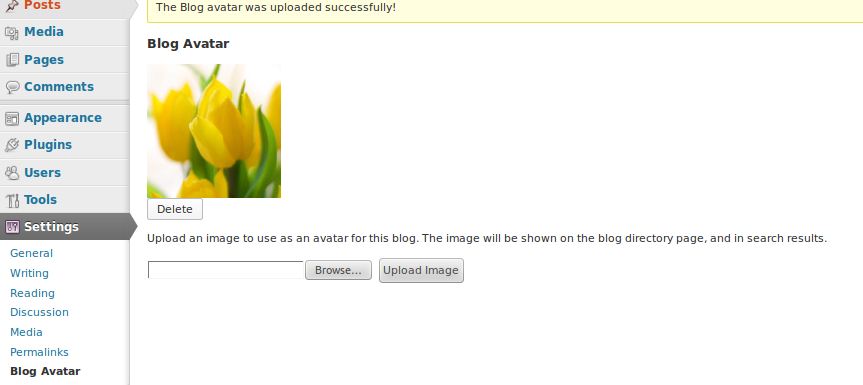
Upload blog avatar from backend settings options.
Help & Support
Please leave a comment on our blog BuddyDev for any suggestions, support request.
Please leave a comment on BuddyDev
سکرین شۆتەکان



دامەزراندن
This section describes how to install the plugin and get it working.
e.g.
1. Download the zip file and extract
1. Upload blog-avatar directory to the /wp-content/plugins/ directory
1. Activate the plugin through the ‘Plugins’ menu.
1. Enjoy
پهد
- Does This plugin works without BuddyPress
-
No, It needs you to have BuddyPress Installed and activated
پێداچوونەوەکان
هیچ پێداچوونەوەیەک نەنووسراوە بۆ ئەم پێوەکراوە.
بەشداربووان و گەشەپێدەران
“BuddyPress Blog Avatar” نەرمەواڵەیەکی سەرچاوە کراوەیە. ئەم کەسانەی خوارەوە بەشدارییان تێدا کردووە.
بەشداربووان


“BuddyPress Blog Avatar” وەربگێڕە بۆ زمانەکەی خۆت.
دەتەوێت بەشداربیت لە گەشەپێدان؟
گەڕان لە کۆدەکەدا بکە، سەیری تەمارگەی (SVN) بکە، یان بەشداربە لە ڕووداوتۆماری گەشەپێدان لە ڕێگەی (RSS).
ڕووداوتۆمارگەریی گۆڕین
1.0
- Initial release