

وەسف
wp show category shows any category posts in widget , page or post, have shortcode [wpscp]
سکرین شۆتەکان

User view after installation 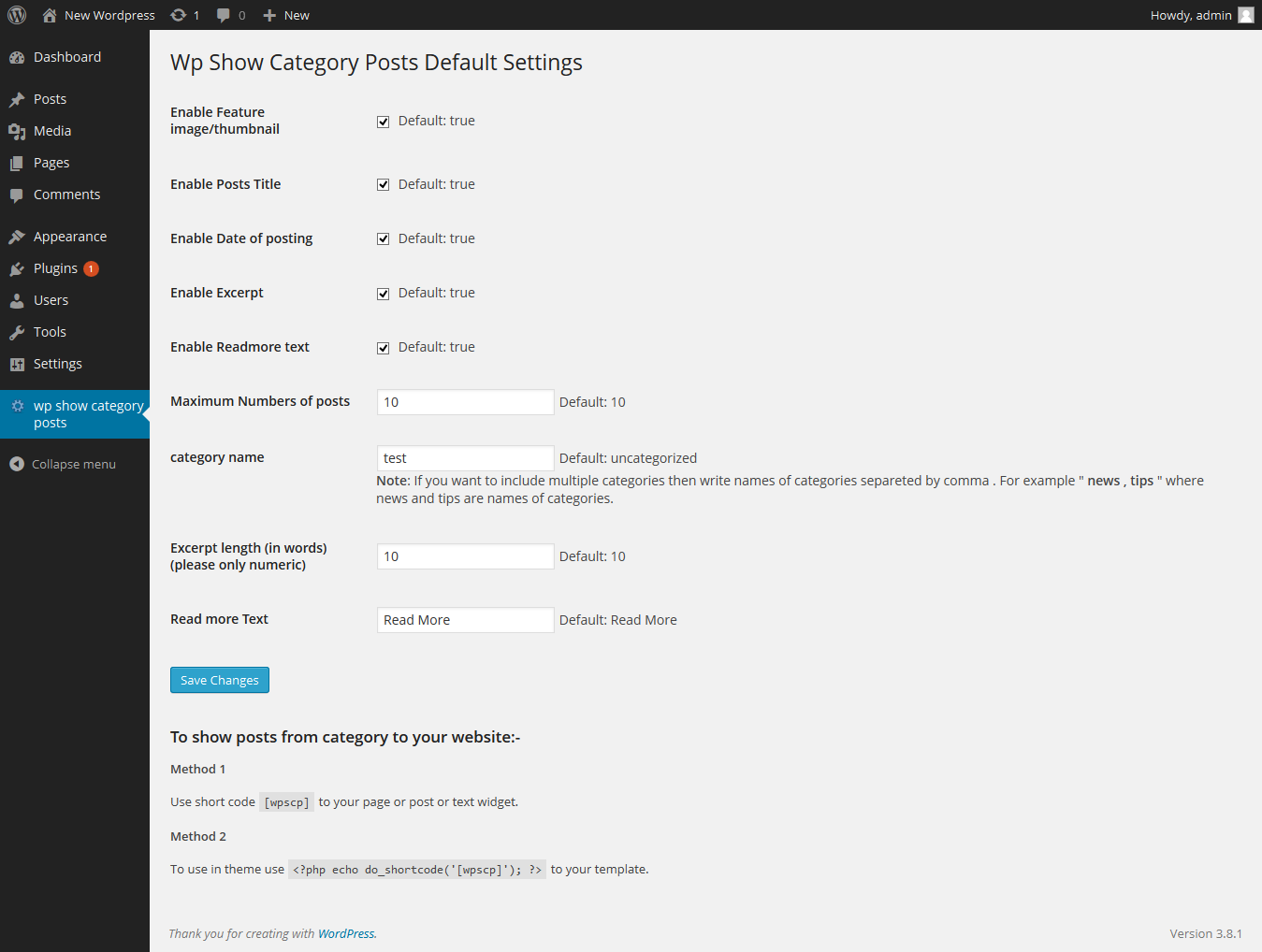
Admin setting page
دامەزراندن
The plugin can be use just by installing it by wordpress admin or upload manually.
- Upload
wp-show-category-poststo the/wp-content/plugins/directory - Activate the plugin through the ‘Plugins’ menu in WordPress
- Now go to wp-show-category-posts tab at wp-admin
پهد
- How to set number of posts ?
-
Go to “wp show category posts” in left panel of wordpress. enable or disable title, thumbnail, or date as you need or other setting.
and press “Save Changes” button - How to use plugin on page or posts ?
-
use [wpscp] shortcode in page, post or widget.
For more visit blog wp-show-category-posts
پێداچوونەوەکان
هیچ پێداچوونەوەیەک نەنووسراوە بۆ ئەم پێوەکراوە.
بەشداربووان و گەشەپێدەران
“wp show category posts” نەرمەواڵەیەکی سەرچاوە کراوەیە. ئەم کەسانەی خوارەوە بەشدارییان تێدا کردووە.
بەشداربووان
“wp show category posts” وەربگێڕە بۆ زمانەکەی خۆت.
دەتەوێت بەشداربیت لە گەشەپێدان؟
گەڕان لە کۆدەکەدا بکە، سەیری تەمارگەی (SVN) بکە، یان بەشداربە لە ڕووداوتۆماری گەشەپێدان لە ڕێگەی (RSS).
ڕووداوتۆمارگەریی گۆڕین
0.1
*show category posts
*initial release