
وەسف
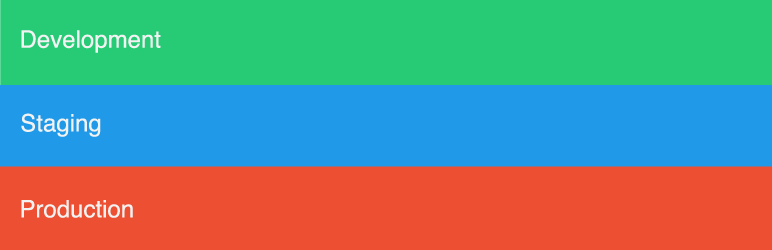
Env Bar is a great way to keep track of your server environment. On the Env Bar Settings page you can select Development, Staging, or Production to then output a colored bar in the bottom of your site.
Credits
Icon: Created by Aneeque Ahmed from the Noun Project
سکرین شۆتەکان


دامەزراندن
- Upload the plugin files to the
/wp-content/plugins/env-bardirectory, or install the plugin through the WordPress plugins screen directly. - Activate the plugin through the ‘Plugins’ screen in WordPress
- Use the Environment screen to configure the plugin
پهد
- Can you use this plugin with Multisite?
-
Yes, this will add the bar globally and you can access the options page within the Network.
- Can you use this plugin as a mu-plugin?
-
Yes, just upload the env-bar.php to your /wp-content/mu-plugins/ directory.
پێداچوونەوەکان

کانوونی یەکەم 26, 2018
This plugin adds a great visual indication on what setup you are on. I have my live setup and dev setup. I can half look at the bottom of the page and know what environment I in. If I see green, I am free to do whatever I want without having to worry about breaking anything. Orange, and I need to switch tabs!
بەشداربووان و گەشەپێدەران
“Env Bar” نەرمەواڵەیەکی سەرچاوە کراوەیە. ئەم کەسانەی خوارەوە بەشدارییان تێدا کردووە.
بەشداربووان
“Env Bar” وەربگێڕە بۆ زمانەکەی خۆت.
دەتەوێت بەشداربیت لە گەشەپێدان؟
گەڕان لە کۆدەکەدا بکە، سەیری تەمارگەی (SVN) بکە، یان بەشداربە لە ڕووداوتۆماری گەشەپێدان لە ڕێگەی (RSS).
ڕووداوتۆمارگەریی گۆڕین
0.3.0
- tested with 5.0 release
0.2.1
- removing dev files from trunk and using git for development
0.2.0
- Fixed issues related to WordPress Coding Standards
0.1.0
- Initial commit