

وەسف
Lockaire lets you design a fully custom password-protected page in WordPress. Unlike other password protection plugins that use WordPress’s default plain password form, Lockaire gives you complete control — build your own layout, content, and branding using the shortcode on any page or post you create.
Features
- Protect specific pages and posts
- Redirect visitors to your custom password page
- AJAX-powered password validation
- Redirect users back to protected content after authentication
- Separate access control for pages and posts
- Password visibility toggle
- WordPress nonce security protection
سکرین شۆتەکان
دامەزراندن
- Upload the plugin folder to the
/wp-content/plugins/directory. - Activate the plugin through the ‘Plugins’ menu in WordPress.
- Create a new page and add the [lkar_password_protector_form] shortcode to it — this becomes your custom password page.
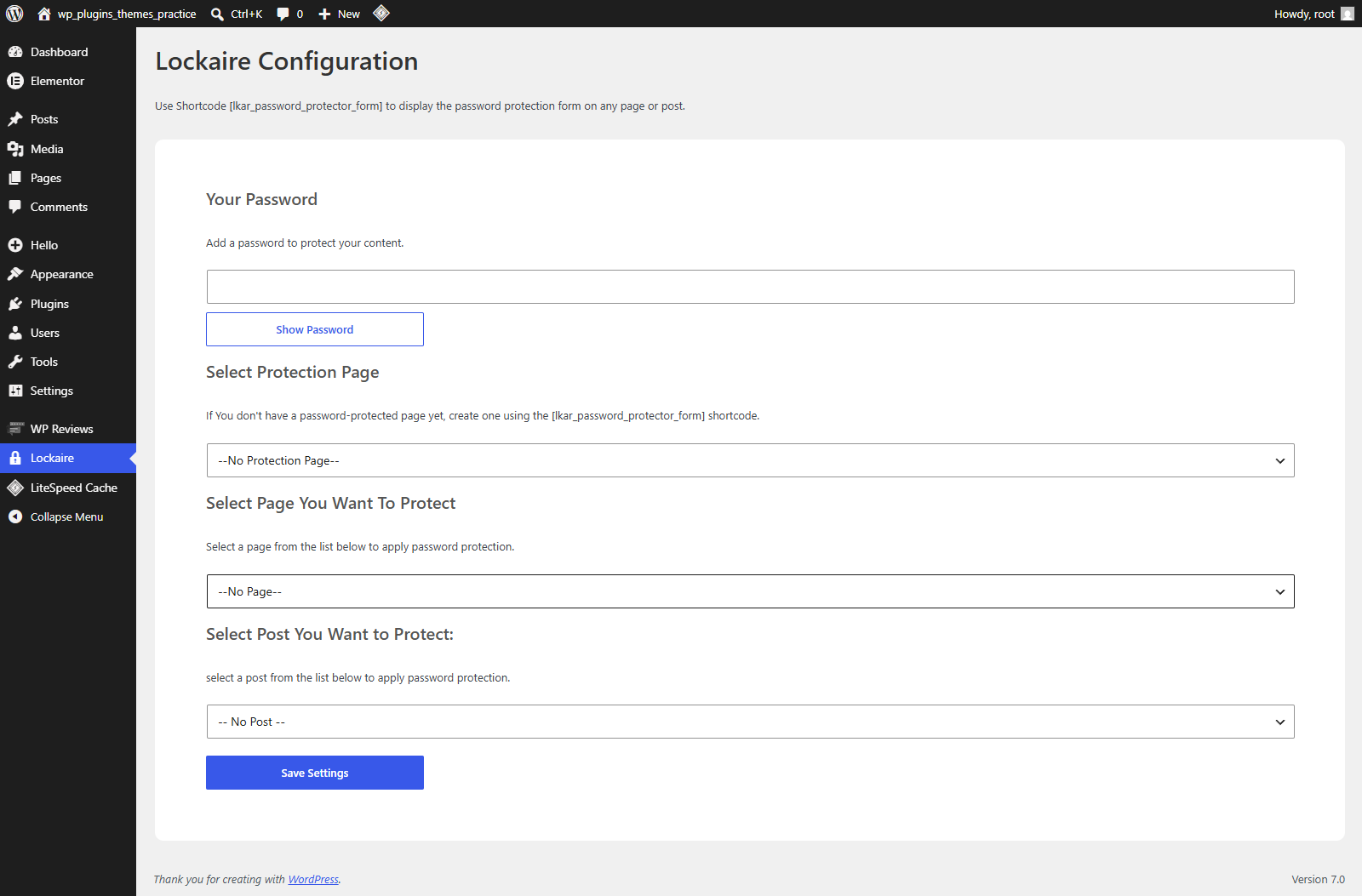
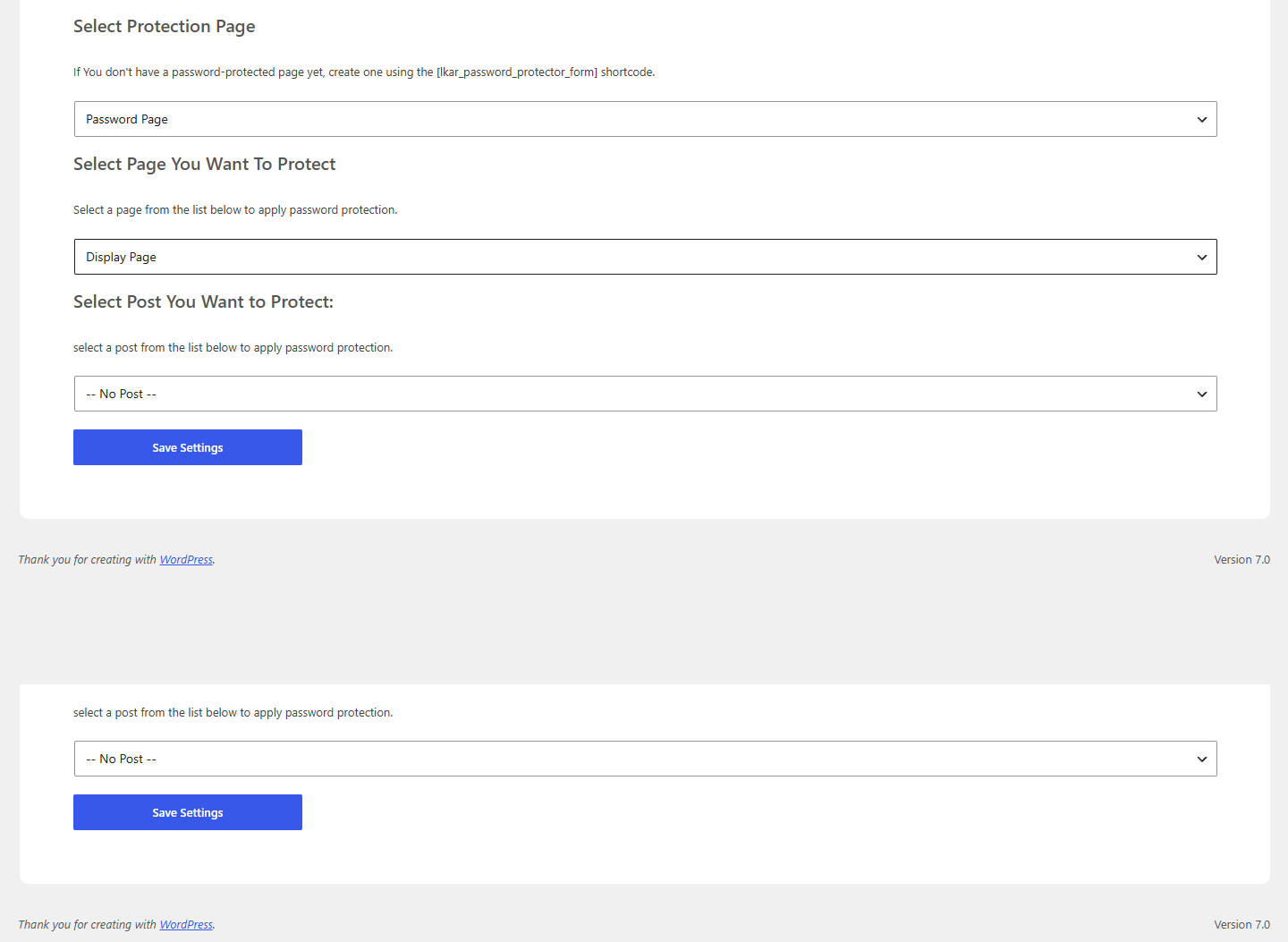
- Go to Lockaire in your dashboard and configure: select your password page, the page or post to protect, and set a password.
- Save your settings.
پهد
-
How It Works
-
- A user visits a protected page or post.
- The plugin redirects them to your custom password page.
- The user enters the correct password.
- Access is granted.
- The user is automatically redirected back to the requested content.
پێداچوونەوەکان

تەممووز 13, 2026
1 reply
My client want fully custom password page i have’nt found any plugin tell this
بەشداربووان و گەشەپێدەران
“Lockaire” نەرمەواڵەیەکی سەرچاوە کراوەیە. ئەم کەسانەی خوارەوە بەشدارییان تێدا کردووە.
بەشداربووان
“Lockaire” وەربگێڕە بۆ زمانەکەی خۆت.
دەتەوێت بەشداربیت لە گەشەپێدان؟
گەڕان لە کۆدەکەدا بکە، سەیری تەمارگەی (SVN) بکە، یان بەشداربە لە ڕووداوتۆماری گەشەپێدان لە ڕێگەی (RSS).
ڕووداوتۆمارگەریی گۆڕین
1.0.1
- Initial release.